

Getting Started

Welcome to Moraware. Whether you are brand new to Moraware or an experienced user, we are here to help you find success in your shop.


Your Dedicated Onboarding Team

When you join Moraware, you are given access to a team of onboarding experts who have helped hundreds of fabrication shops successfully get up and running in Moraware. They will get to know your business, goals, and experience level and will be your dedicated resource during your first 8 weeks.  

Amanda Headshot

Amanda

Onboarding

Danny Headshot

Danny

Onboarding

Katie Headshot

Katie

Onboarding

Not sure what to do? We can help!

Need to resolve a technical issue, review your setup, or optimize your account? We would love to help. Our support team is available to connect by phone, email or video chat.

Monday – Friday 8 am – 4 pm (Pacific Time)

Book Time With Our Team

Click to book a time slot for a live video chat with our support team.

CounterGo Getting Started Resources

If you’re interested in learning how CounterGo can help you exceed customer expectations with fast, accurate, and professional countertop quotes, schedule a demo.
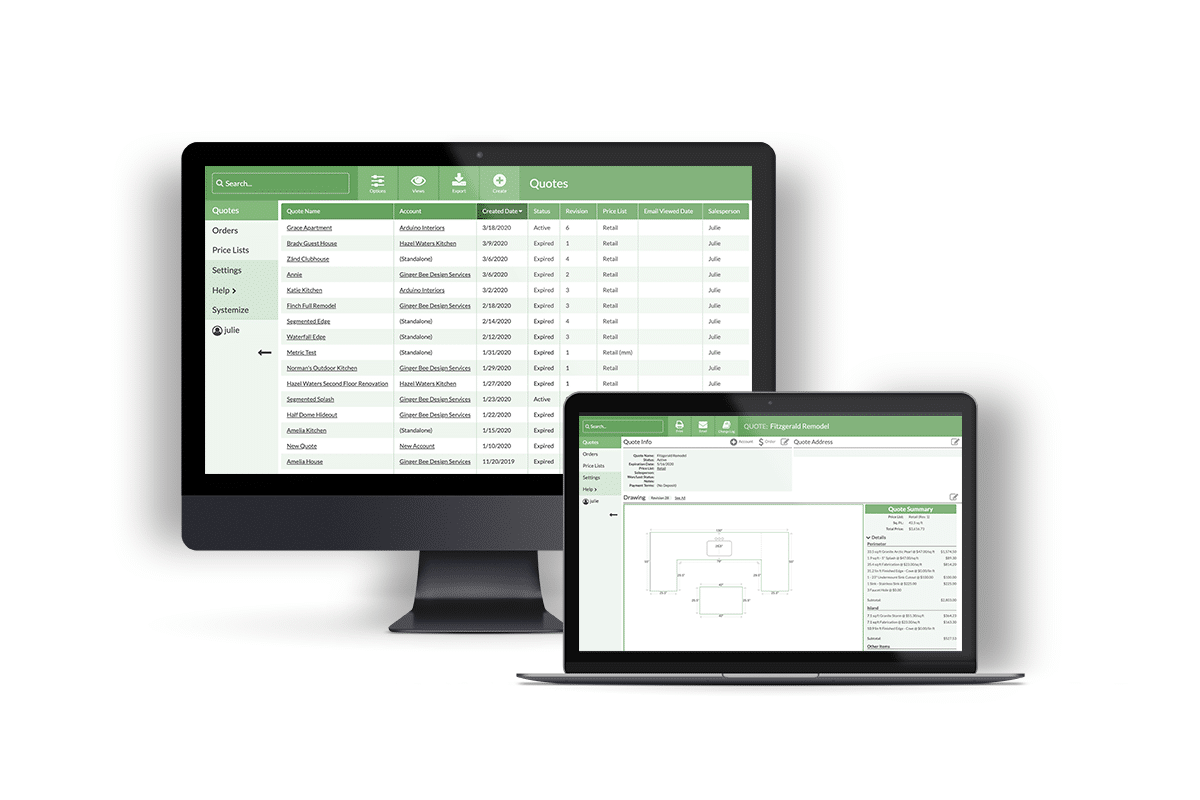
countertop drawing and estimating software

CounterGo: Onboarding

Explore the resource pages below to set up and use CounterGo. 

How to Draw

Here are the basics on how to draw and create quotes

Slab Images

Tips on how to upload slab images on your quotes to preview seams

Price Lists

Organize and simplify your price list for faster and standardized quoting across your team

Customize Quotes

Customize your quote layout with these helpful resources

Orders and Payments

Walk through the steps to converting a quote to an order

QuickBooks Integration

Learn how Orders can be exported to QuickBooks

Knowledge Base

Check out the knowledge bases for on-demand articles and videos to help answer all of your Moraware questions. 

CounterGo

Drawing, quoting, and estimating help articles and videos.

Systemize

Job tracking and scheduling help articles and videos.

Inventory

Slab ordering and tracking in Moraware Inventory help articles and videos.

Your support staff is amazing and they quickly adopted to our business module and helped with advice on needed dashboards and reports.

Tanya Chernioglo
Although we have only been using Moraware for a little over 3 months, we have seen a definite improvement and time savings in our operation from information flow to final invoicing.

Scott Ainsworth
JDS Surfaces

Support & Onboarding FAQs

Each Moraware customer has a unique database to access their products. It will look like: yourcompanyname.moraware.net.

If you are having a hard time remembering it, here are some ways to find your url:


  • Check the original welcome email
  • Be sure to use “.net” instead of “.com”
  • Email support@moraware.com

On the login page for your company, you should see a Forgot Your Password link. Click that and enter your username and email address. 

Note: If you do not see the Forgot Your Password link, either: 

a) there is no email address specified for your user 

b) your user security settings include “cannot change password” 

If you do not have a Forgot Your Password link, you’ll need to ask one of your Administrative users to reset your password. 

1. Wait 20 minutes until your user auto-unlocks

OR 

2. Immediately unlock your user by doing a password reset. Click Forgot Your Password on the login screen.

You’ll be working with your own dedicated Onboarding Specialist, and you’ll have access to them for the first 8 weeks. They will get to know your business and goals so they can be a resource in these first few weeks to help you feel confident in your setup and quickly start seeing value. 

The best place to start is with our knowledge base, but if you get stuck, our support team is excited to help. Just email us at support@moraware.com

CounterGo: Search our online help or go through the articles and videos for Drawing and estimating: CounterGo Knowledge Base

Systemize: Search our online help or go through the articles and videos for Scheduling and job management: Systemize Knowledge Base

If you’re on the phone with Moraware sales or support, you may be asked to “join an online meeting”. Visit Zoom and enter the meeting ID that Customer Support gave you.