
Spreadsheets, whiteboards, Google calendars, and paper folders got your shop to where it is. Nearly every countertop fabricator we’ve worked with over the past two decades started there.
The problem is that in a growing shop with manual systems, things may get missed and mistakes start creeping up. After over 20 years of conversations with fabricators, we see the same signs over and over. Here are the five biggest signals that your shop has probably outgrown its tools.
1. Quoting depends on one person, and it’s becoming a bottleneck
In most shops running on spreadsheets, there’s often one person who really knows how to price a job. The price list, the edge upcharges, the special rules, it all lives in their head.
That works at three jobs a week. At fifteen or more, it’s a bottleneck.
Why it’s painful
Quotes get backlogged and go out in days instead of hours. Homeowners sign with whoever answers first, and slow quotes lose winnable jobs. When your quoting person is out, sales slow down.
Best practice
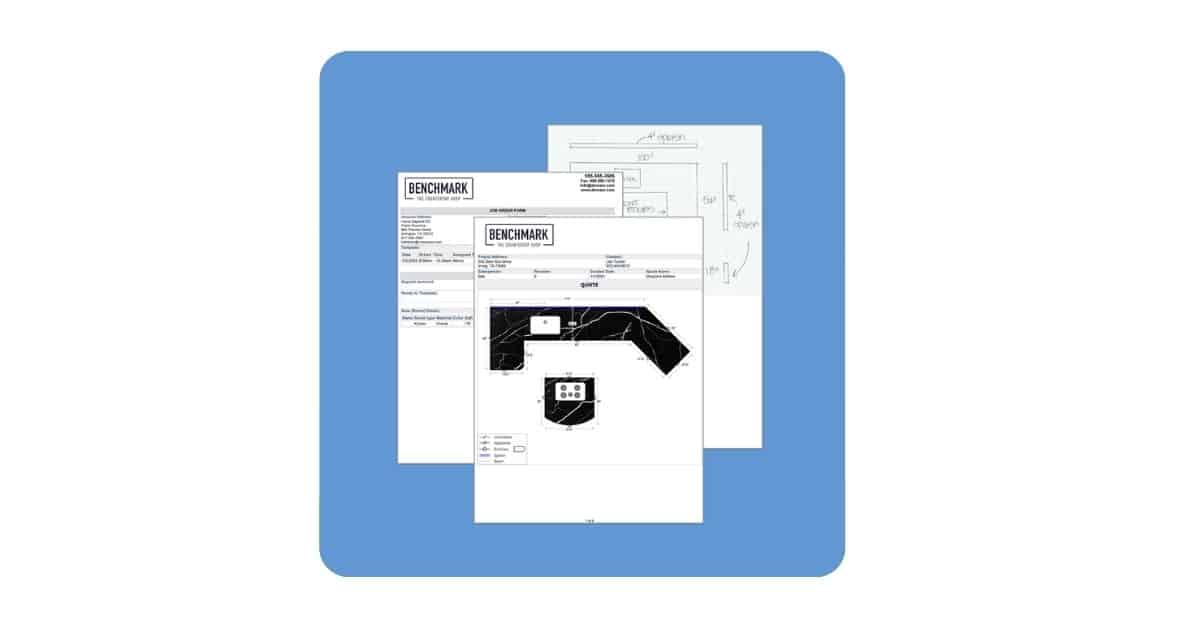
With countertop drawing and estimating software, everyone on your team can produce an accurate, consistent, professional quote. Draw your countertop, lay it out on slabs, and generate a price in just a few minutes. A customized price list does the work for you. Just select materials from a dropdown, customize if needed, and your quote is done and ready to share with customers. GMD Surfaces uses iPads in the showroom powered by CounterGo that provide instant, on-the-spot quoting for customers.
2. Nobody can answer “where is this job right now?”
A customer calls to ask when their island will be installed. In a whiteboard-and-paper shop, answering that means checking the board, finding the folder, and probably walking the floor.
Why it’s painful
The higher cost isn’t only the time wasted walking around; it’s the risk that your office and your shop may not be on the same page. The whiteboard says one thing, the folder says another. Miscommunication between the office and the shop is when mistakes can happen and where your bottom line is impacted.
Best practice
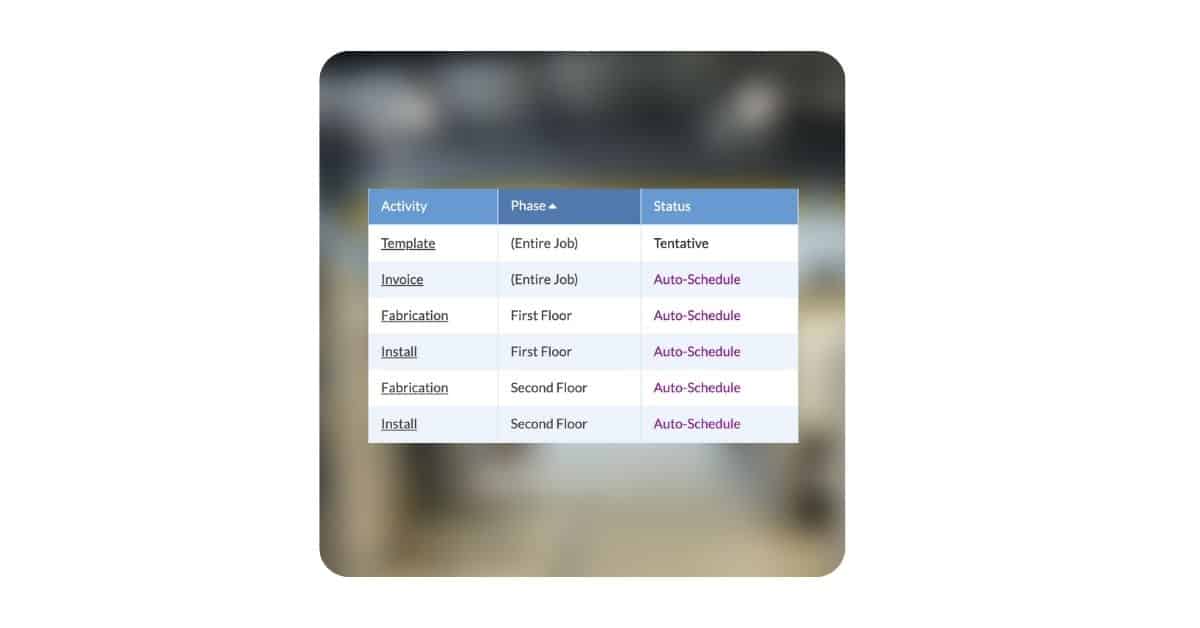
One shared, live view of every job – what’s done, what’s next, what’s stuck. The office, the shop, and the field crew can all see the latest job info from any location. Anyone can get your customer an answer in seconds.
3. The same expensive mistakes keep happening
Every fabricator has mistake stories. The sink cutout that didn’t match the sink ordered. The change discussed on the phone that never made it into the folder and became a $1,200 remake. The quote that forgot to charge for the full-height backsplash.
Why it’s painful
When these mistakes happen once, they’re a bad day. When they start happening monthly, they’re a sign your system has too many manual handoffs or communication gaps. Every time job information gets updated on the fly or re-copied, something can get dropped.
Best practice
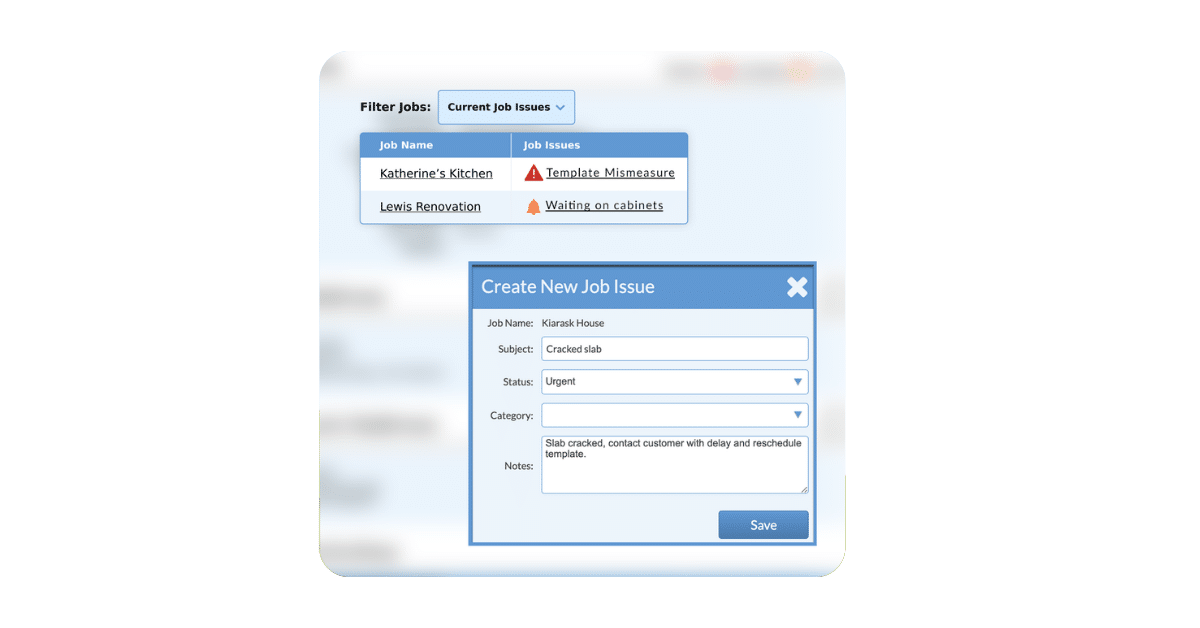
All shared information is in one location, so your team has quick access to important job information like contact details, notes, and uploaded files. Track your issues (remakes, errors) when they happen and log what caused the issue so you have visibility and accountability. Share this information instantly with your team so they are aware as soon as something goes wrong, and fixes can happen right away.
4. Your slab yard is full, but you’re still getting material surprises
This sign shows up two ways. Fabrication morning arrives and the slab you need isn’t there. Or your yard fills up with “just in case” slabs and forgotten remnants impacting your profitability.
Why it’s painful
Both problems have the same root cause: your material list lives in a spreadsheet that isn’t connected to your actual jobs. The spreadsheet doesn’t know a slab was already committed to a customer’s kitchen, so it is
Best practice
Every slab is tracked from purchase order to consumption, tied to the specific job that needs it. And every slab that is available to be sold is tracked and visible for your team, so you aren’t ordering more if you already have it on hand. One Moraware customer, Dominis Stone, cut their material waste by nearly 10-12% after connecting their inventory to their jobs, saving both money and space.

5. The business can’t run without you
This is the sign that includes all the others. If you’re the owner, ask yourself honestly: could you take two weeks off? Could your office manager? Would quoting stall and small fires turn into big ones when you are away? Are you able to have eyes on the shop when you are out in the field or working remotely to see the job activity and issues that may be brewing?
Why it’s painful
When a shop runs on spreadsheets, folders, Google calendars, and whiteboards, it’s typically held together by one or two people. That’s a genuinely impressive way to run a business, and it’s also a ceiling. You can’t scale heroics. Every new job adds weight to the same shoulders, and growth starts to feel like a lot of stress and not much time off.
Best Practice
The process, not the person, moves jobs through the shop. New employees get productive in days because the system shows them what to do. And the owner gets to work on the business, pricing, capacity, the next hire, instead of being the go-to person for every question.
What to do next
Recognize your shop in a few of these signs? Good news: it means your shop grew. The spreadsheets and whiteboards that got you here were right for a smaller shop. Now you need the right tools for the shop you’re becoming.
Start with one process, not everything
Don’t try to tackle everything at once. After helping more than 2,600 shops make this transition, we’ve seen one path succeed most often: begin with one area. We often recommend that shops start with quoting. It’s the fastest win and the easiest change for a team to adopt. Add scheduling once quoting runs smoothly. Then add inventory tracking.
Ask good questions of any vendor
Whatever software you evaluate, ours or anyone else’s, ask how long the vendor has served countertop shops, how many shops run on it, and what support looks like after the sale.
Talk it through
If you’d like an honest read on bottlenecks you are experiencing or problems you are trying to solve, that’s what our experts are for. We can chat about your shop, answer questions, and provide recommendations on where to start. Book a consultation whenever you’re ready.
Frequently Asked Questions
How do I know when my countertop shop needs software?
Watch for five signals: quoting depends on one person, no one can quickly say where a job stands, expensive mistakes keep recurring, material surprises keep happening, and the business can’t run when a key person is out. Most shops feel these around 10+ installs per week.
Can't I just organize my spreadsheets and whiteboard better?
Organization helps, but it doesn’t fix the core problem: manual tools don’t connect. The quote doesn’t know about the schedule, and the schedule doesn’t know about the slab. Every handoff still depends on someone re-copying information correctly. Countertop software links the quote, the job, and the material in one system.
How disruptive is switching from paper and whiteboards to software?
Less than most countertop shop owners fear, if you tackle one process at a time. Moraware customers get a dedicated onboarding specialist for their first 8 weeks, and most shops start with quoting alone. Your team keeps working while the new system comes online.