
Scheduling That Actually Makes Sense
One of the most powerful parts of Systemize is its scheduling and calendar views, each view is customizable to what your shop needs. These are some of the most commonly used views.
The Weekly Calendar View
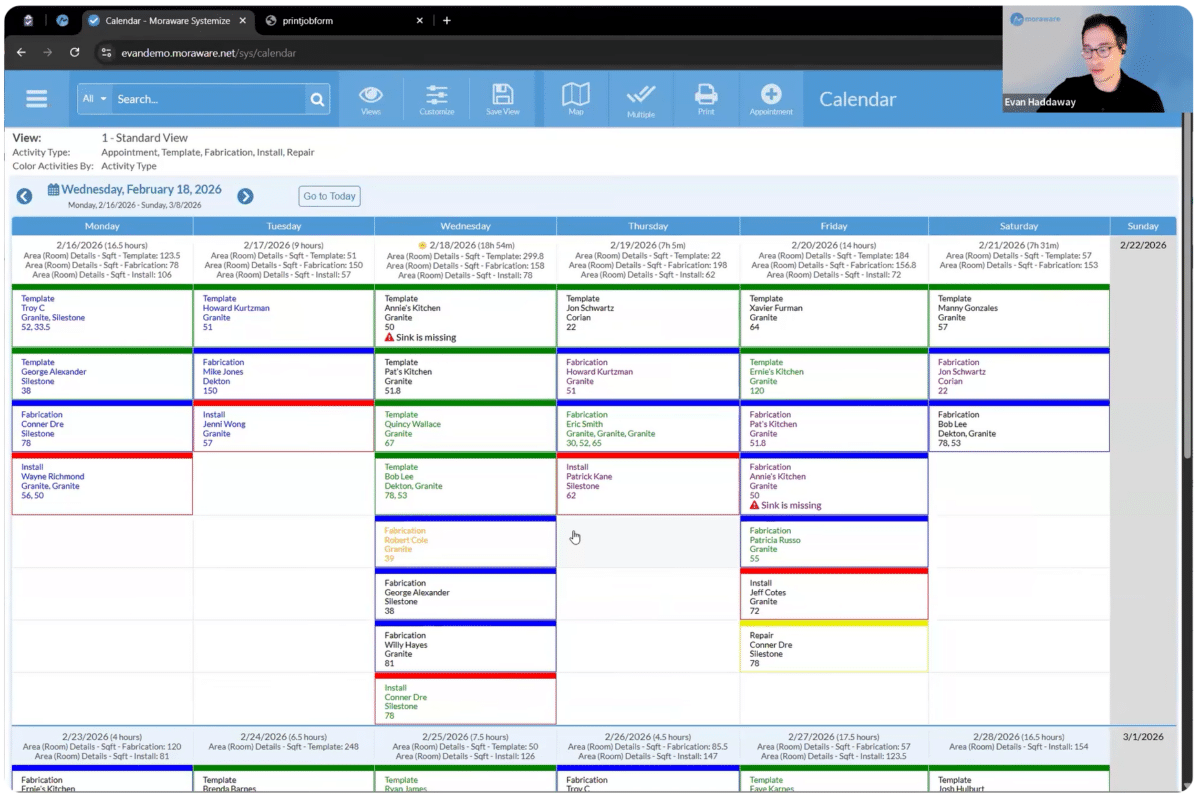
A color-coded weekly calendar shows all your upcoming activities across all job types. Many shops put this up on a TV in the office or the shop floor as a real-time whiteboard that updates automatically. Because square footage from your job forms feeds directly into the calendar, you can see subtotals for each day at a glance — a quick way to check capacity before you overbook your crew.
Route Planning with Maps
Need to schedule your templators? Filter the calendar down to just template activities and just your templators, and you get an hourly view showing their availability. When a time slot opens up, drag and drop the job onto the schedule and all the details update automatically. Need to move it? Drag it to the next available day — done.
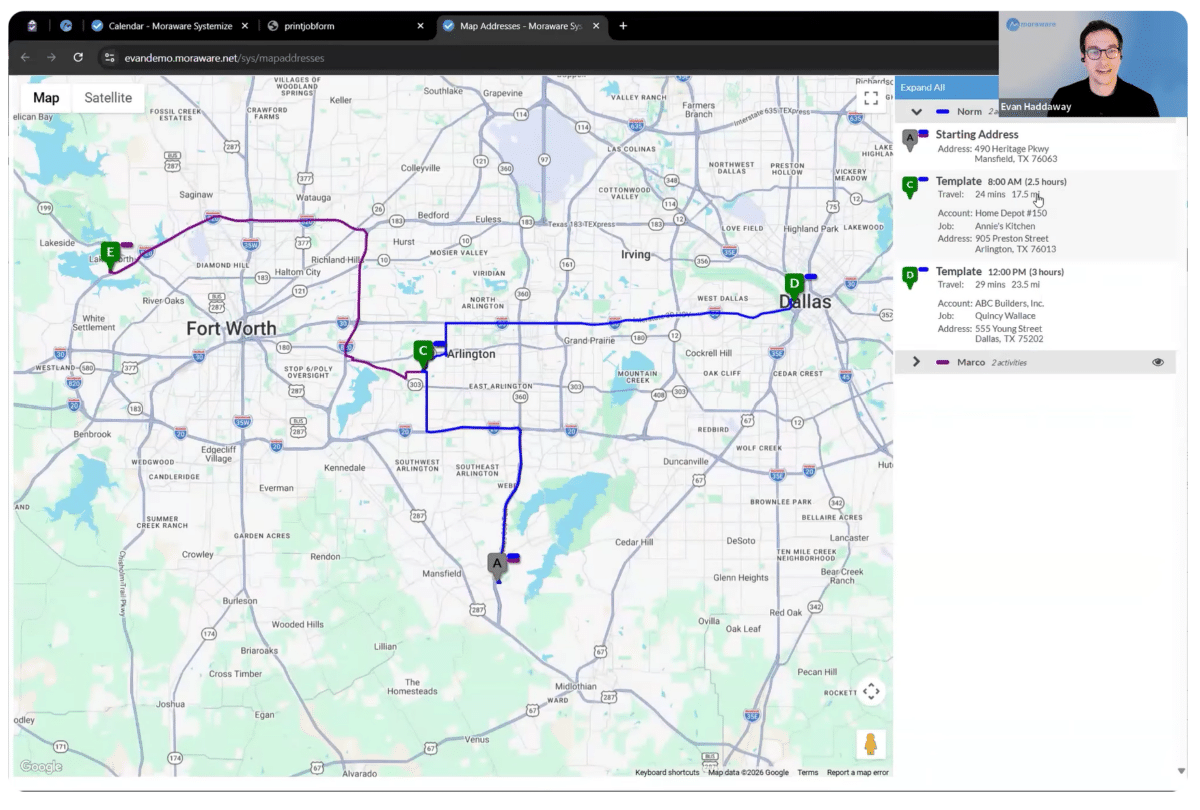
You can even pop open a map view to see the day’s stops geographically. Does the route make sense? Is there enough drive time between jobs? It’s a quick sanity check before your crew heads out.
Shop-Focused Calendar View
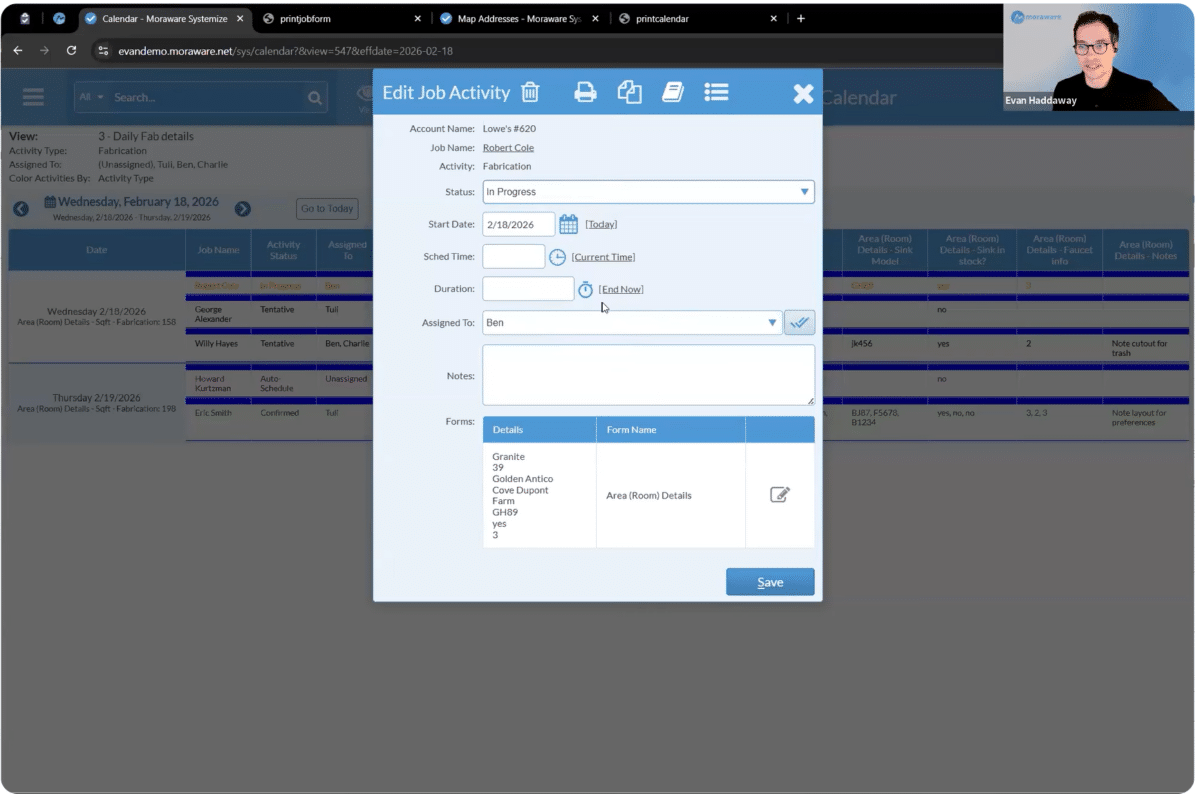
For fabrication, Systemize offers a shop-focused calendar view showing upcoming fabrication jobs, typically over the next couple of days, though you can look further out. Jobs can be marked as being in-progress and you can even log start and finish times. That means you can see in real time what the shop is working on, what needs to be prioritized, and when something is ready to schedule for installation. When a customer calls asking for an update, you have an answer with a few clicks.
Packets in One Click
Paper still matters in many fabrication shops, whether it’s a work order for the installer or a cut sheet for the fabricator. Systemize makes building those packets fast and consistent.
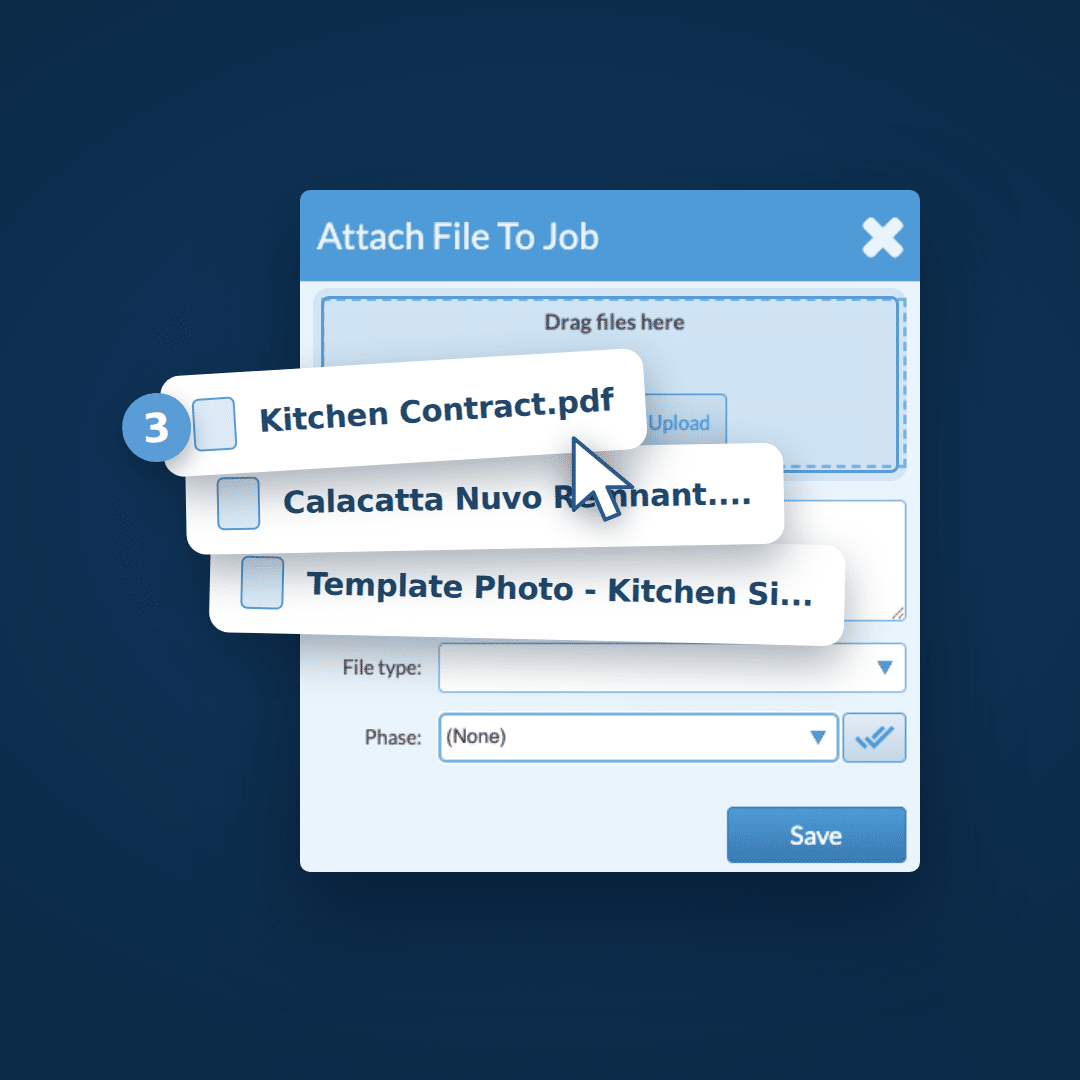
Once you set up which documents should go into a packet (cover sheet, drawings from CounterGo, photos, contracts, etc.), all you have to do is schedule the job, choose the packet type, and hit print. Systemize automatically assembles everything in the right order with the most up-to-date information. Staple it, and they’re out the door.
Or some of our customers skip the paper entirely and send it as a PDF. (click the link to see a sample packet).
List Views and Filtered To-Do Lists
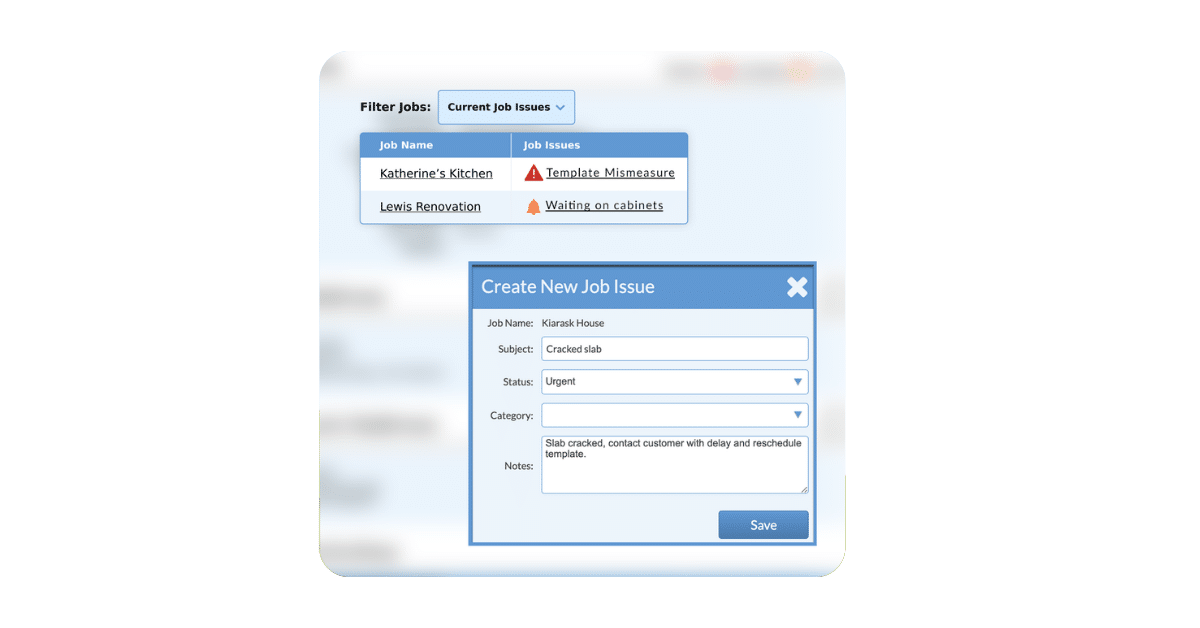
Not everything needs to be a calendar. Systemize also has list views where you can see the current status of all your active jobs at once. Anything overdue is flagged. Activities that haven’t been updated yet are easy to spot. It’s a fast way to do a daily health check on the business.
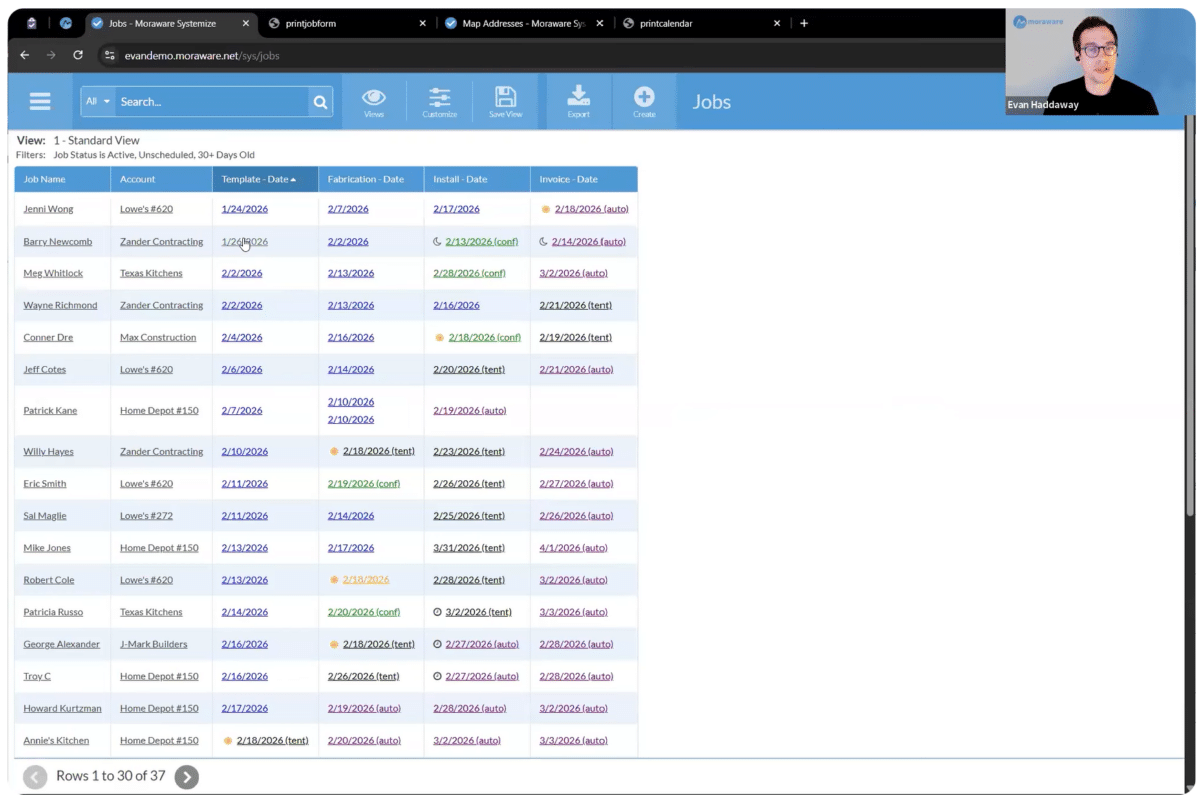
But the real power here is filtered lists. Say you need to call customers to confirm upcoming templates before sending your crew out. You can build a view that shows only those jobs, only the information you need (name, phone number, appointment), and nothing else. Confirm an appointment, mark it done, and it drops off the list automatically. It’s a living to-do list that cleans itself up as your team works through it.
Views by Role
The views also work across roles. Each person on your team can have views tailored to exactly what they need to see. When something moves from one person’s responsibility to the next, it drops out of one view and into another. Clean, simple, and no one has to ask what they should be working on.
Shop owners and GM often use this view for quick checks on job status, to identify delays, or to prioritize and tackle any customer issues.
Built for the Way You Already Work
One thing worth emphasizing: Systemize is designed to be customized to your operation. The job steps, the calendar views, the forms, the packets, all of it gets set up to match how your shop already runs. The goal isn’t to force you into a new workflow. It’s to give you a connected, organized version of what you’re already doing, so nothing falls through the cracks.
If you’re still running your shop on whiteboards, spreadsheets, and scattered paper packets, Systemize is worth a serious look. Your team will spend less time chasing information and more time doing the work that actually makes you money.
Ready to see how it works for your shop? Request a demo so we can learn more about your specific needs and do a live walkthrough of Systemize.